
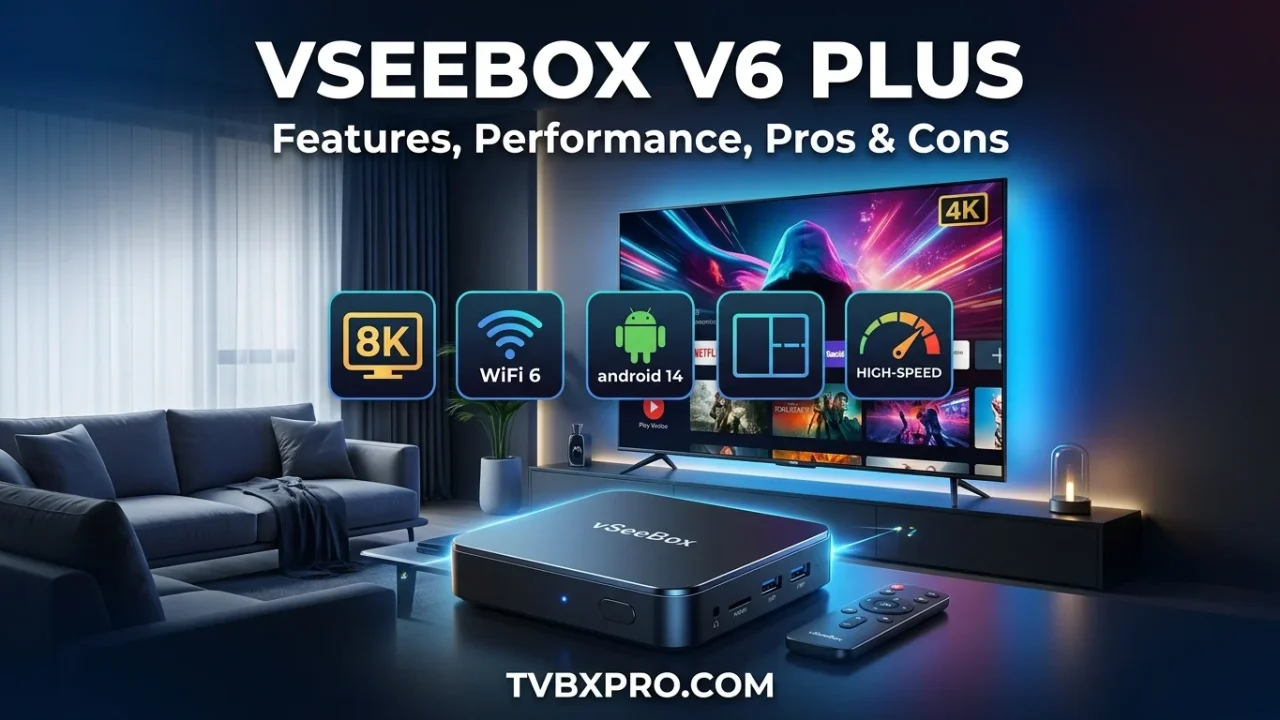
vseebox v6 plus is one of the most talked-about Android TV boxes for people who want more entertainment without depending only on cable TV. It offers fast performance, a modern Android system, WiFi 6 support, and even a split-screen feature that lets users watch multiple streams at the same time. Many buyers choose it because they want a smoother streaming experience and access to a wide range of apps on their TV.
After reviewing the top-ranking articles and user discussions about this device, a few things stand out. Most reviewers praise its speed, improved hardware, and easy setup process. The split-screen feature is also mentioned frequently because it is not common on many TV boxes. At the same time, buyers want to know whether the device is worth the price and how it compares with older vSeeBox models. This review covers those questions in a simple and easy-to-understand way.
If you are new to vSeeBox devices, you may also want to read our vSeeBox V5 Pro review on TVBXPro for a closer look at an earlier model and how the lineup has improved over time.
What Is the vSeeBox V6 Plus?
The vSeeBox V6 Plus is an Android TV box designed to turn a regular television into a smart entertainment hub. Instead of being limited to the apps built into your TV, you can install many Android apps and enjoy streaming, movies, sports, and other content from one device.
It is mainly built for people who want a faster and more flexible streaming experience. The device connects to your TV through an HDMI cable and uses either WiFi or Ethernet for internet access.
Who Should Buy the vSeeBox V6 Plus?
This device is a good fit for several types of users:
- People who watch a lot of live sports.
- Families who want entertainment in one place.
- Users upgrading from an older Android TV box.
- Anyone looking for smoother streaming and faster app loading.
Many buyers are especially interested in the vseebox v6 plus because it offers stronger hardware than older models while keeping the setup process fairly simple.
vSeeBox V6 Plus Specifications
One reason the vseebox v6 plus receives so much attention is its hardware. Compared with older streaming boxes, it comes with updated components designed for better speed and stability.
Hardware Specifications
Feature
Specification
Processor
Amlogic 905Y5
GPU
Mali-G31
RAM
4GB
Storage
64GB
The Amlogic processor helps apps open faster and makes navigation feel smoother. With 4GB of RAM, the device can handle multiple tasks more comfortably than many budget TV boxes.
Connectivity Features
The vseebox v6 plus also includes modern connectivity options:
- WiFi 6 for faster wireless speeds.
- Bluetooth 5.0 for connecting accessories.
- HDMI 2.1 for high-quality video output.
- Ethernet port for a stable wired connection.
WiFi 6 is one of the biggest upgrades. If your home router supports it, streaming can feel more stable, especially when several devices are connected to the internet.
Android 14 Operating System
The device runs Android 14, which gives it a more modern interface and better app compatibility. Users moving from older Android TV boxes often notice that menus respond more quickly and apps feel less sluggish.
Key Features of vSeeBox V6 Plus
8K HDR Video Support
The vseebox v6 plus supports up to 8K video output and HDR content. Even if you currently use a 4K TV, the device is built to handle high-resolution content and future upgrades.
WiFi 6 Technology

Buffering is one of the biggest frustrations for streaming users. WiFi 6 helps reduce that problem by providing faster and more efficient wireless performance, especially in busy homes.
Split-Screen Viewing Feature

One feature that appears repeatedly in reviews is the split-screen mode. This allows users to view multiple streams at the same time. Sports fans often find this especially useful because they can follow more than one game without constantly switching channels.
Backlit Remote Control

The remote includes backlit buttons, making it easier to use in a dark room. This may sound like a small feature, but many users appreciate it during nighttime viewing.
Large Storage Capacity
With 64GB of storage, there is plenty of room for apps, downloads, and media files. Many budget TV boxes offer much less storage, so this is a noticeable advantage.
Unboxing and First Impressions
What’s Included in the Box?

When you open the package, you typically find:
- The vSeeBox V6 Plus device
- Power adapter
- HDMI cable
- Backlit remote control
- User manual
Design and Build Quality
The device has a compact design that fits easily beside a TV. It feels more polished than many low-cost streaming boxes and does not take up much space.
Remote Control Overview
The remote is simple enough for most users to learn quickly. Navigation buttons are clearly placed, and the backlight helps make the controls easier to see.
How to Set Up the vSeeBox V6 Plus
Connecting to Your TV
- Connect the HDMI cable to your TV.
- Plug in the power adapter.
- Turn on the TV and select the correct HDMI input.
Internet Setup
You can connect using WiFi 6 or a wired Ethernet connection. For the most stable streaming experience, many users prefer Ethernet when possible.
Initial Configuration
After powering on, the device guides you through language selection, network setup, and basic preferences. The process is straightforward and usually takes only a few minutes.
Tips for First-Time Users
- Update the system when prompted.
- Connect to a strong WiFi signal.
- Install only the apps you plan to use regularly.
- Restart the device occasionally for the best performance.
Performance Review

Performance is where the vseebox v6 plus makes its strongest impression. Compared with older Android TV boxes, menus feel quicker and apps generally open faster.
Users often report smoother navigation, less waiting between screens, and better multitasking. The combination of the Amlogic processor and 4GB RAM helps the device handle streaming apps, browsing, and other tasks without feeling slow.
Channel switching and app loading times are also noticeably improved compared with many older streaming boxes. For people upgrading from previous vSeeBox models, this is often one of the first differences they notice.
In the next part of this review, we will cover picture quality, audio performance, sports streaming, the split-screen experience, V6 Plus vs V3 Plus comparison, pros and cons, troubleshooting, and whether the vSeeBox V6 Plus is worth buying in 2026.
Picture Quality and Audio Performance
One of the biggest reasons people choose the vseebox v6 plus is the viewing experience. A streaming device can have great hardware, but if the picture looks dull or the sound feels weak, it will disappoint users. Fortunately, the V6 Plus performs well in both areas.
4K Streaming Quality
The device delivers sharp and clear 4K video on supported televisions. Colors appear vibrant without looking unnatural, and details remain visible even during fast-moving scenes. Whether you are watching movies, sports, documentaries, or TV shows, the image remains crisp and enjoyable.
Many users upgrading from older Android TV boxes immediately notice the improvement. Menus look cleaner, videos appear smoother, and overall picture quality feels more polished.
8K Playback Capability
The vseebox v6 plus also supports 8K video output. While most households still use 4K televisions, having 8K support helps make the device more future-ready. If 8K content becomes more common in the coming years, owners will already have compatible hardware.
HDR Performance
HDR technology helps create deeper contrast between bright and dark areas of a picture. Sunsets look richer, landscapes show more detail, and darker scenes reveal objects that might otherwise be difficult to see.
This added depth helps movies and shows feel more realistic and engaging.
Audio Experience
Picture quality often gets most of the attention, but sound matters just as much. The V6 Plus provides clear audio output for movies, sports, and music. Dialogue remains easy to hear, and background sounds help create a more immersive experience.
When connected to a quality sound system or soundbar, the device delivers even better results.
vSeeBox V6 Plus for Sports Fans
Sports lovers are among the biggest fans of the vseebox v6 plus. The device includes several features that make watching live events easier and more enjoyable.
Live Sports Streaming
Fast loading speeds help reduce waiting time before games begin. Once streams start, playback remains smooth when paired with a stable internet connection.
For sports fans, this means spending less time dealing with loading screens and more time enjoying the action.
Split-Screen Viewing
The split-screen feature is one of the most unique upgrades in the V6 Plus. Instead of choosing between two games, users can watch multiple events at the same time.
This feature becomes especially useful during busy weekends when several games are happening simultaneously.
Following Multiple Games
Imagine watching a football game, a basketball game, and checking another live event without constantly switching channels. The split-screen mode helps make that possible.
For many sports enthusiasts, this feature alone is a strong reason to upgrade.
vSeeBox V6 Plus vs V3 Plus
Many buyers already own a V3 Plus and wonder whether upgrading makes sense.
Hardware Improvements
The vseebox v6 plus uses newer hardware that provides better speed and improved efficiency. Apps launch faster, navigation feels smoother, and multitasking is more comfortable.
Software Enhancements
Android 14 brings a fresher experience compared to older software versions. Menus respond faster and compatibility with newer apps is generally improved.
Better Connectivity
WiFi 6 is one of the largest improvements. Users with modern routers can enjoy stronger wireless performance and more stable streaming.
Is the Upgrade Worth It?
If you already own a V3 Plus and are happy with its performance, upgrading may not be urgent. However, users who want faster hardware, Android 14, split-screen viewing, and WiFi 6 will likely appreciate the improvements.
You may also want to compare this model with our detailed vSeeBox V5 Pro Review on TVBXPro to see how the product lineup has evolved over time.
vSeeBox V6 Plus Pros and Cons
Every streaming device has strengths and weaknesses. Looking at both sides helps buyers make a more informed decision.
Pros
The vseebox v6 plus offers strong overall performance.
The updated processor helps apps run smoothly.
WiFi 6 provides better wireless connectivity.
Android 14 improves the user experience.
The split-screen feature stands out from many competing devices.
The setup process is simple enough for most beginners.
The backlit remote makes nighttime viewing easier.
Cons
The price is higher than some entry-level Android TV boxes.
New users may need a little time to learn all available features.
Performance can still depend on internet quality.
Some advanced features may not be used by casual viewers.
Common Problems and Troubleshooting
Even good devices occasionally experience issues. Fortunately, most common problems are easy to solve.
WiFi Connection Problems
If the device struggles to connect, restart both the router and TV box. Moving the device closer to the router may also improve signal strength.
Buffering During Streaming
Buffering is often related to internet speed rather than the device itself. Running a speed test and reducing network congestion can help improve playback.
A wired Ethernet connection may provide a more stable experience.
Remote Control Issues
If the remote becomes unresponsive, replacing the batteries is usually the first step. Pairing the remote again can also solve certain connection problems.
Apps Freezing or Crashing
Updating apps regularly helps prevent many software-related issues. Restarting the device can also clear temporary problems and improve performance.
Is vSeeBox V6 Plus Legal and Safe to Use?
This is a common question among first-time buyers.
The vseebox v6 plus itself is simply a streaming device, similar to many other Android TV boxes on the market. The hardware is legal to own and use.
Safety largely depends on how the device is used and which applications are installed. Users should download apps from trusted sources and follow local laws regarding content access.
Keeping software updated also helps maintain security and stability.
Is the vSeeBox V6 Plus Worth Buying in 2026?
After examining reviews, user experiences, hardware specifications, and everyday performance, the answer depends on what you expect from a streaming device.
If you want fast navigation, modern software, strong connectivity, large storage, and useful features like split-screen viewing, the vseebox v6 plus delivers a solid experience.
It is especially appealing for sports fans, families, and users upgrading from older Android TV boxes.
Those looking for the cheapest possible streaming solution may find more affordable alternatives. However, buyers who value speed, convenience, and extra features will likely feel satisfied with what the V6 Plus offers.
Overall, the vseebox v6 plus stands out as one of the stronger streaming devices currently available in the vSeeBox lineup. Its combination of Android 14, WiFi 6, 8K support, improved hardware, and unique split-screen functionality makes it a compelling choice for home entertainment in 2026.
Frequently Asked Questions
Is vSeeBox V6 Plus worth it?
Yes. For users who want smooth streaming, modern software, and advanced features, the V6 Plus offers good value.
Does vSeeBox V6 Plus require a monthly subscription?
The device itself does not typically require a monthly fee. Costs depend on any third-party services or apps you choose to use.
Can vSeeBox V6 Plus stream in 8K?
Yes. The device supports 8K video output on compatible televisions.
Does vSeeBox V6 Plus support WiFi 6?
Yes. WiFi 6 support is one of its major upgrades.
Is vSeeBox V6 Plus easy to set up?
Most users can complete setup within a few minutes by following the on-screen instructions.
What is the difference between V6 Plus and V3 Plus?
The V6 Plus offers newer hardware, Android 14, WiFi 6 support, and split-screen viewing capabilities.
Can I install apps from Google Play Store?
Yes. The Android operating system supports downloading many apps through Google Play Store.
Does the vSeeBox V6 Plus support split-screen viewing?
Yes. Split-screen viewing is one of the device’s most popular and distinctive features.